
Using API technology, BrightPay offers full integration with TimeKeeper allowing both the payroll software and time and attendance system to directly communicate with each other.*
The TimeKeeper and BrightPay integration allows users to easily send their employees' hours directly from TimeKeeper into BrightPay. The BrightPay API facility eliminates the manual export and import process, automating tedious, repetitive and time-consuming tasks.
By using BrightPay and TimeKeeper together, users will be able to increase efficiency, avoid duplication of efforts and reduce the possibility of manual processing errors and helps ensure staff are paid correctly for all hours worked, including overtime.
*Please note this for is for single employers at present.

How does the BrightPay and TimeKeeper integration work?
To access a 14 day free trial of TimeKeeper please select here.
- When you sign into your TimeKeeper account, you need to enable the integration by going to > Account > Integrations > BrightPay (Cloud) option.
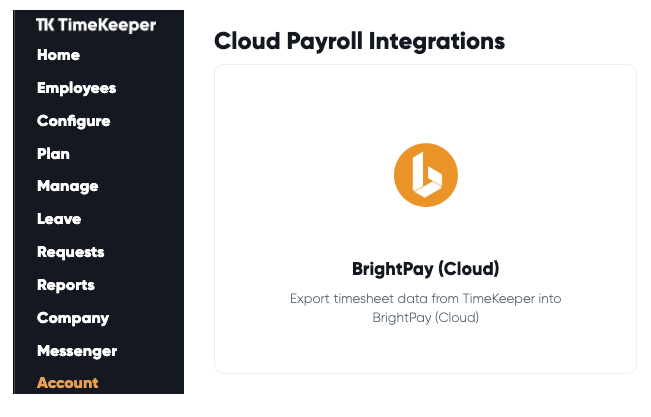
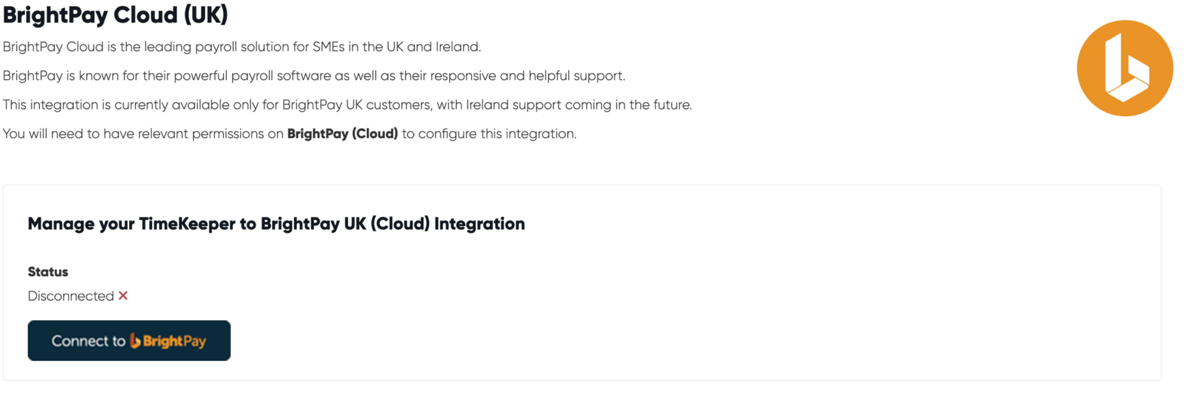
- Connect TimeKeeper to BrightPay - When you visit the BrightPay integration section you will see the option to 'Connect to BrightPay'. Click this option to connect TimeKeeper to your BrightPay employer.
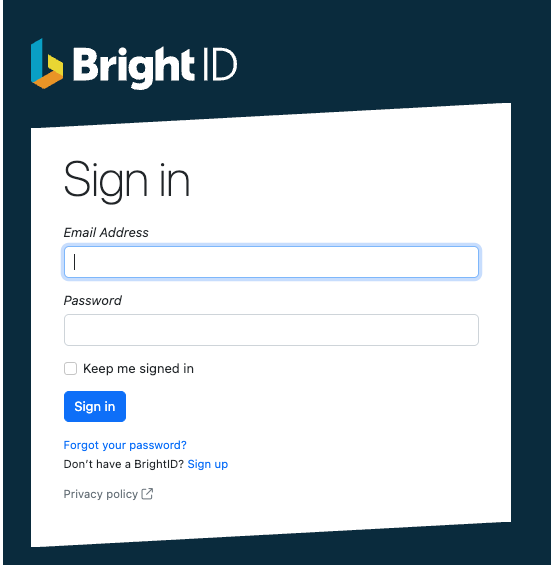
- The Bright ID log in page will show and you will need to sign in with your credentials that you access BrightPay with. This is to authorise the connection between BrightPay and TImeKeeper. Once you have logged in successfully with your Bright ID you will be redirected back into TimeKeeper to finalise the connection.
- Next you need to choose the employer you want to connect from BrightPay in TimeKeeper. Select the employer you wish to connect in the dropdown menu supplied and select 'Confirm BrightPay company to link to TimeKeeper'.
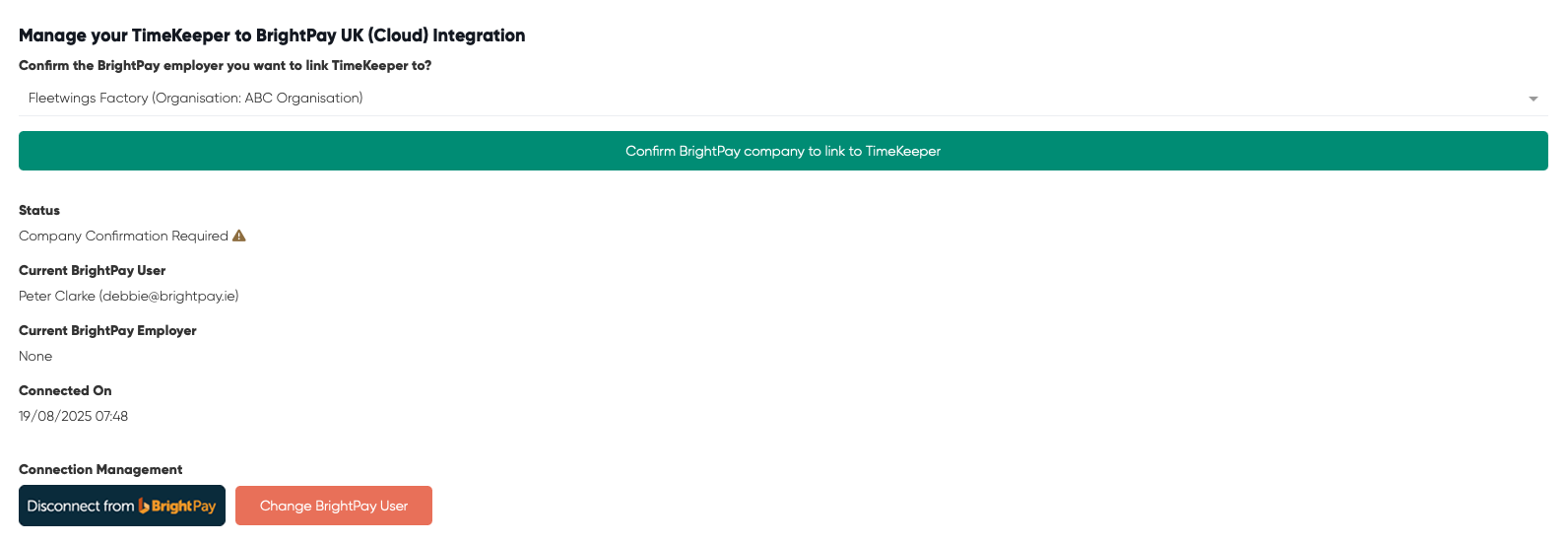
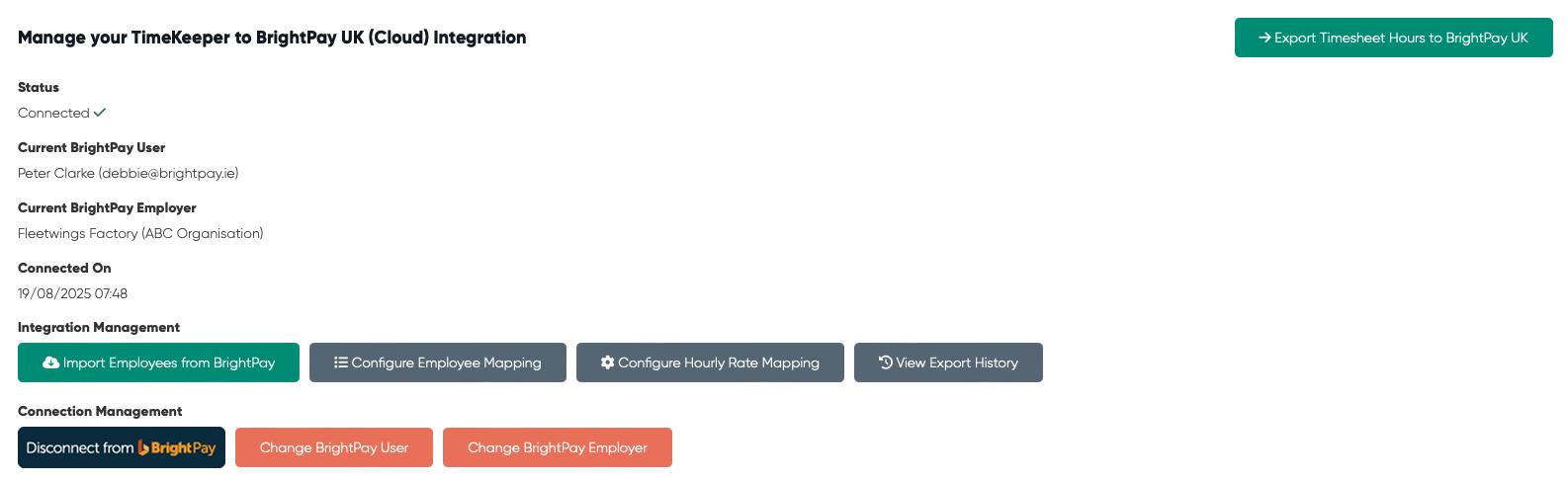
The status of the employer now shows as Connected in TimeKeeper.
Note: BrightPay does not currently integrate directly with any HR software products, only TimeKeeper for time and attendance purposes (timesheets). BrightPay is a standalone payroll solution and there is no automatic data flow between BrightPay and external HR platforms.
If you need to use data from an HR system within BrightPay — such as hours worked or absence records — you can export that data from your HR platform and import it into BrightPay manually using the CSV import options available under Payroll > Import.
Timekeeper integration is available for both UK and Ireland.
Comments
0 comments
Article is closed for comments.