
In the Payroll section of the Client Portal users can access payroll information for finalised pay periods including payroll summary report and payslips.
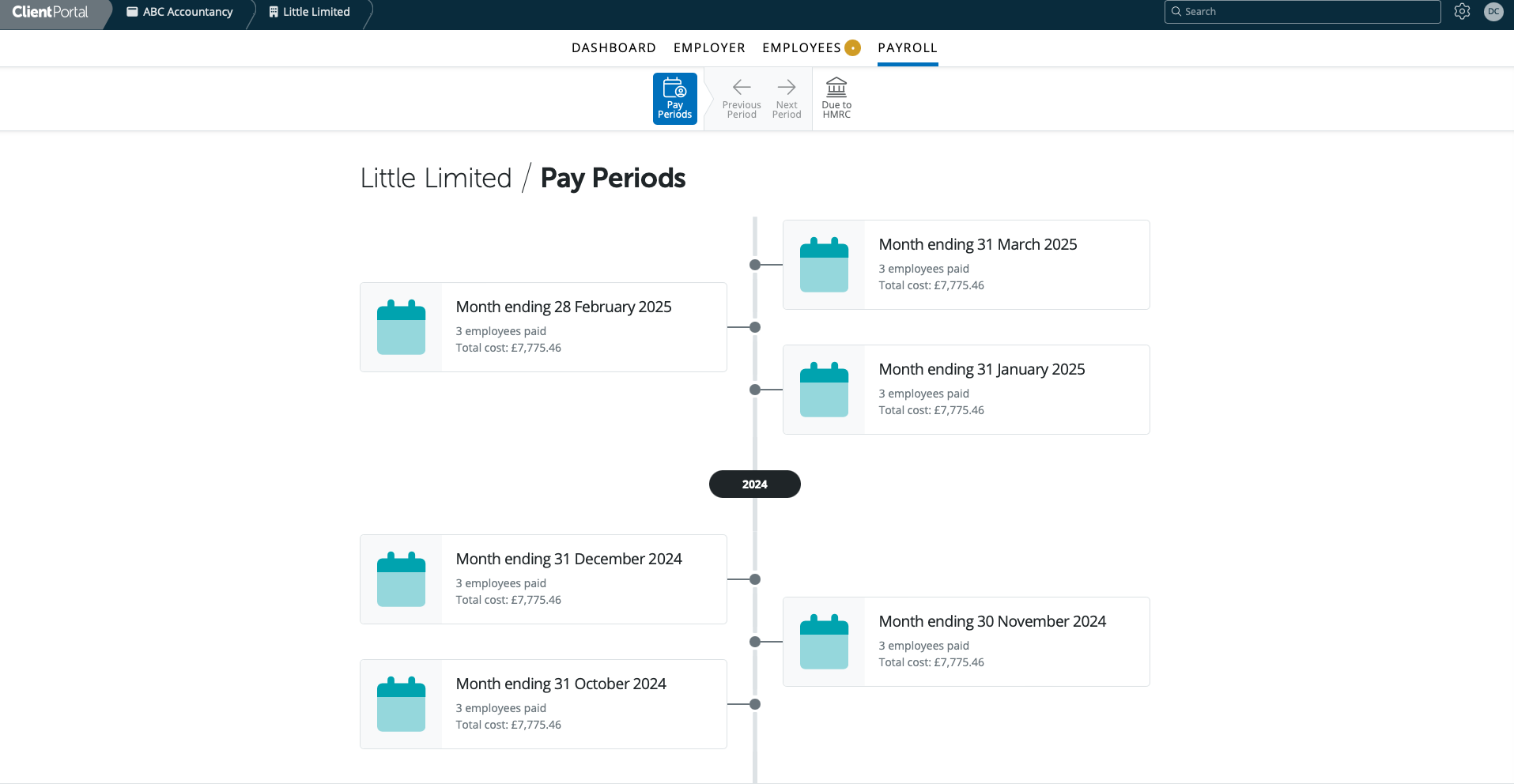
All pay periods finalised in BrightPay will be accessible in the Pay Periods section - weekly, fortnightly, 4-weekly, monthly, quarterly and annual.
Select the pay period you wish to view the payroll summary and payslips for.
On the Payroll Summary you will view the period payroll information and summary totals. Please select an employee and you can preview the payslip for the selected employee.
if the user selects on the payroll tab > chooses a pay period > they can select on the download payslips icon

You can then choose from the following options
Download a single PDF document with a page or section for each employee
- Download a ZIP file containing separate employee PDF documents
Employers with multiple pay schedules running in the same period will see all employees and all schedules in the Client Portal. Pay schedule names also display correctly when selecting a schedule in reports, rather than showing only the schedule type.
If you have imported data from Connect to BrightPay Cloud, payslips and documents can only be viewed by employees on the Employee Self Service Portal. The information imported from Connect, ie previous years' payslips or documents are not visible in the Client portal.
There is now the option to enable payslip notifications for the client portal. Under Employer tab > Client Portal > Email Notifications 'Enable payslip email notifications to ...' - you can then choose if this goes out to All users or Super Users only.
If this option is enabled, the client user(s) will get an email notification when the payslips are finalised. They can then log into the client portal and view the payslips and reports for that period.
Note: There is no activity log to show if or when employees have accessed their payslips online via the employee portal.
Currently, only payroll processors can select payslip formats such as A4 or Thesaurus Security. Client portal users are restricted to downloading payslips in A5 format. If you need payslips in another format, please ask your payroll processor or payroll administrator to send them in your preferred layout.
Comments
0 comments
Article is closed for comments.