
To export a report e.g. to a CSV file.
1) Click 'Share' > Export CSV' on the menu toolbar and select the desired option.
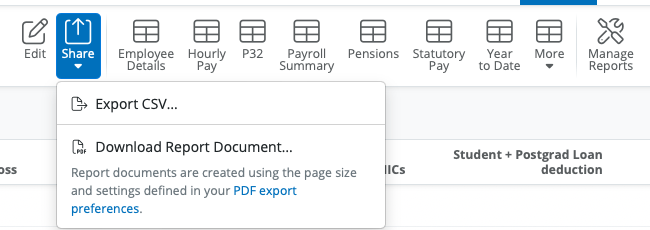
2) Select the option of 'Download' and the report will be exported to a csv fiel in your Downloads folder on your computer. The option to 'copy to clipboard' can be used if you wish to paste this information into excel or word, if applicable.
Comments
0 comments
Article is closed for comments.