
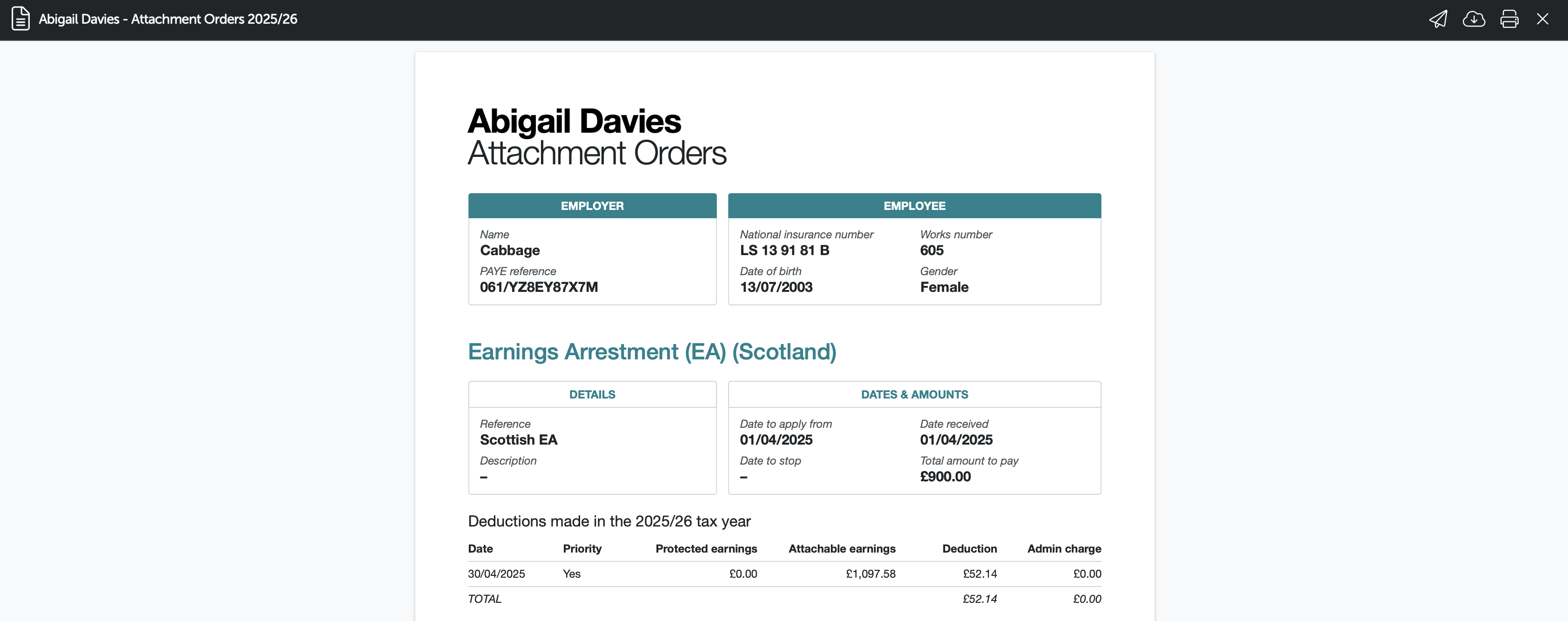
To view the details of an employee's attachment orders as well as the schedule of deductions that have taken place, users can access the employee's Attachment Order Summary Report at any time.
The Attachment Order Summary Report is available:
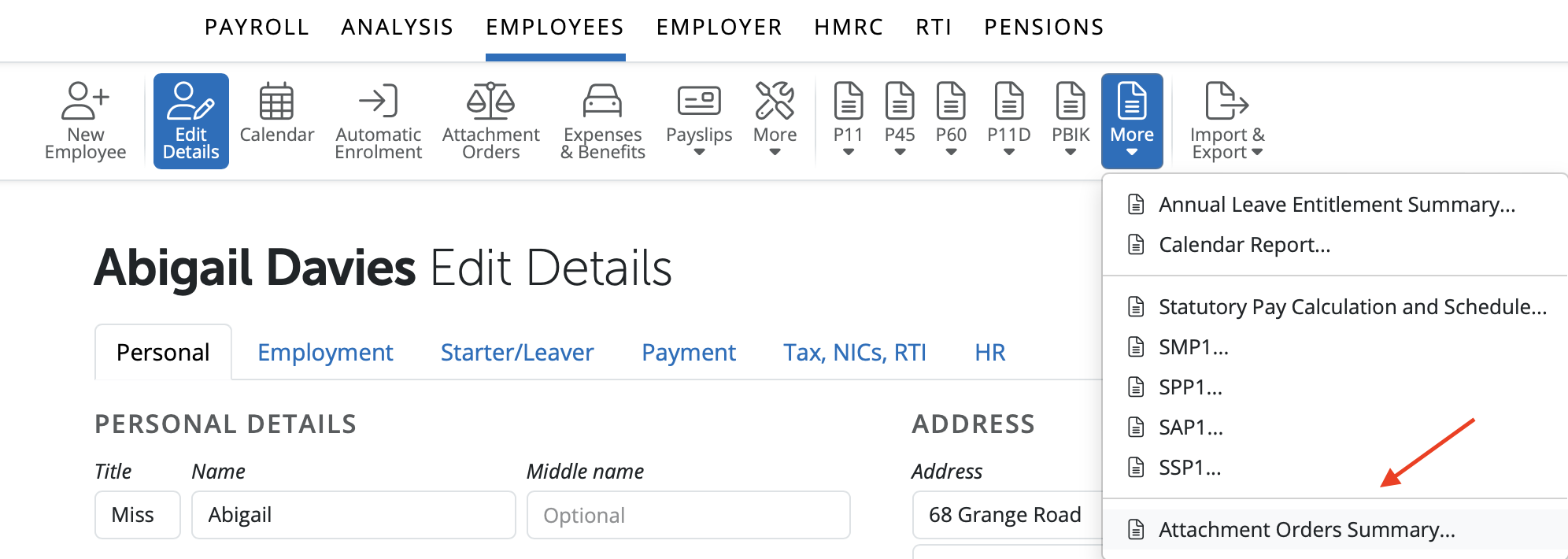
Within ‘Employees', click 'More’ on the menu bar, followed by 'Attachment Orders Summary...'
- select the employee(s) whose attachment order report you wish to view and click 'OK'
- Press Email / Export PDF / Print as required.
Q: Is there a template letter to notify an employee about an attachment of earnings order?
A: No. BrightPay does not include a template letter. Employers must draft and send this notification separately outside the software. Once the order is received from court, you can then record it in BrightPay to manage the deductions.
Comments
0 comments
Article is closed for comments.