
A Departmental Manager can be assigned to a specific department within an employer in BrightPay. The Departmental Manager will have permission to view the employees they are assigned to on the manager's portal, view employees' personal details, annual leave entitlement, add or cancel leave and approve/decline employee requests for these employees.
1. A Departmental Manager can be assigned to a specific department and access employees assigned to that department in the Manager's Portal. A Manager can access the Manager's Portal here.
a) To do this please go to > Employer > Departments > Select the department on the left
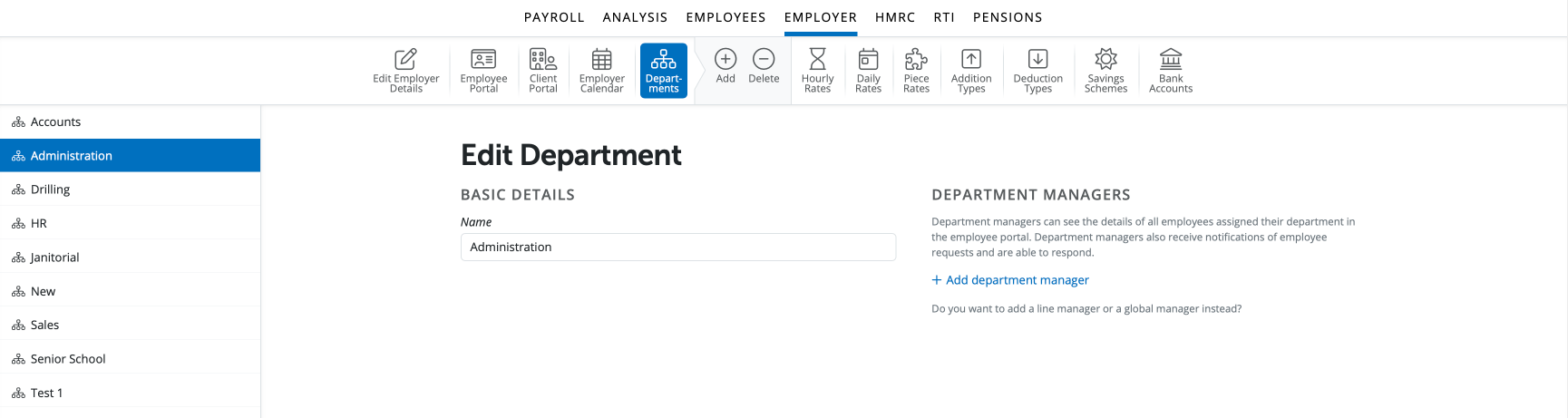
b) Select '+ Add Department Manager' under the 'Department Managers' heading on the right.
c) You can now assign a manager or multiple managers to this employee.
The Manager can be of of three types:
- Another employee in the same employer
- A member of the Organisation
- Someone outside of the Organisation that is neither an employee of the employer or a member of the organisation
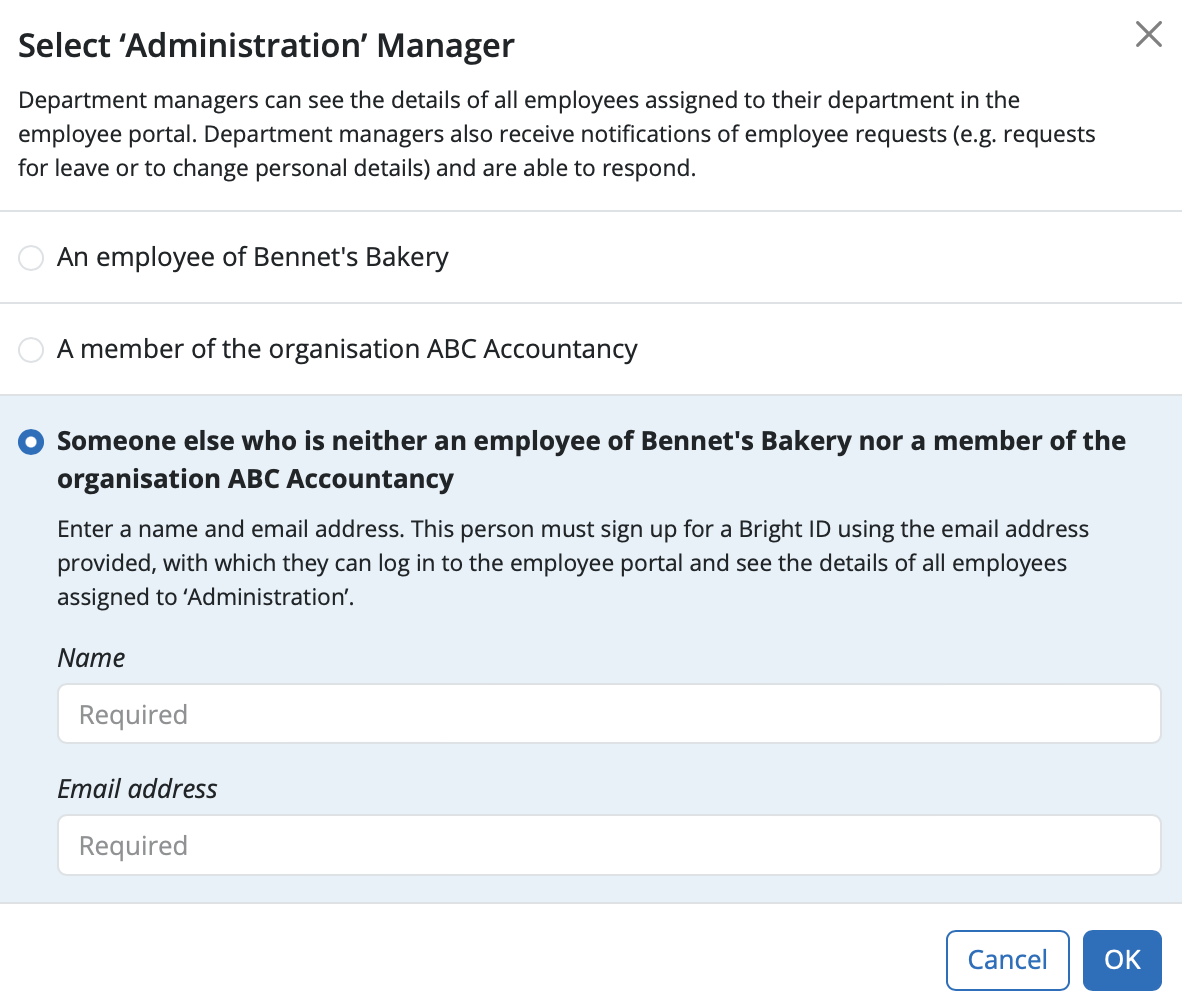
If a manager is required to approve holiday leave who is not an employee or member of the organisation, choose the last option 'reports to someone else who is neither an employee of [employer] nor a member of the organisation [organisation name]'. The user will then be able to view any employee's details who is in a department assigned to the user and approve / decline annual leave requests.
d) Select the Manager and click 'Ok'.
e) Select 'Save'
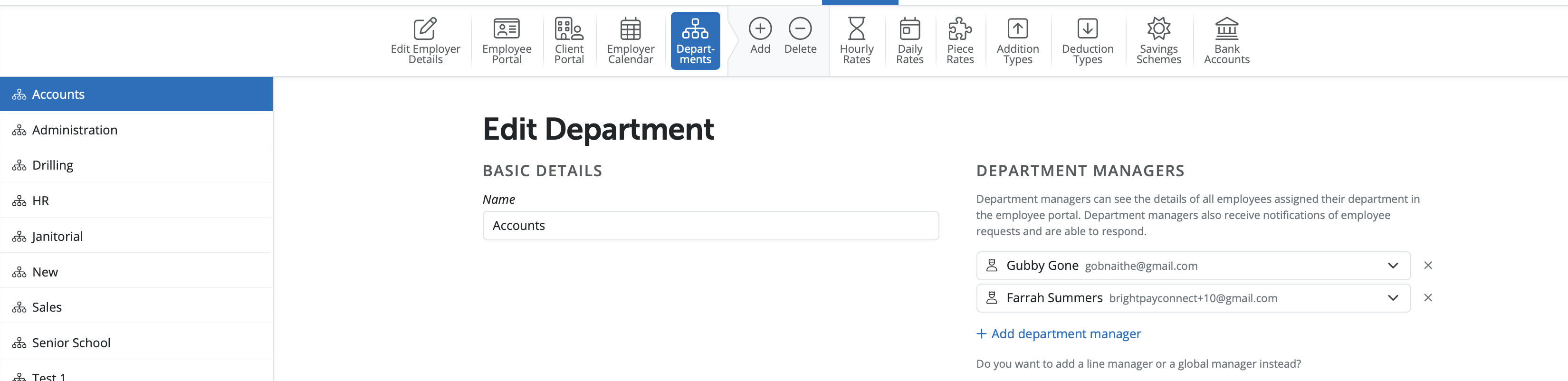
You can add multiple departmental managers by repeating the process.
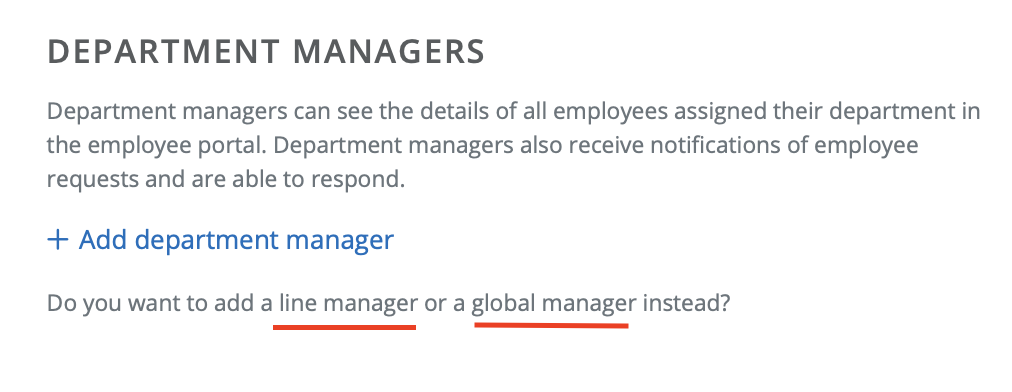
Please note if you wish to add a Line Manager or Global Manager if you select the 'line manager' or 'global manager' words you will be giving instructions on how to add these.
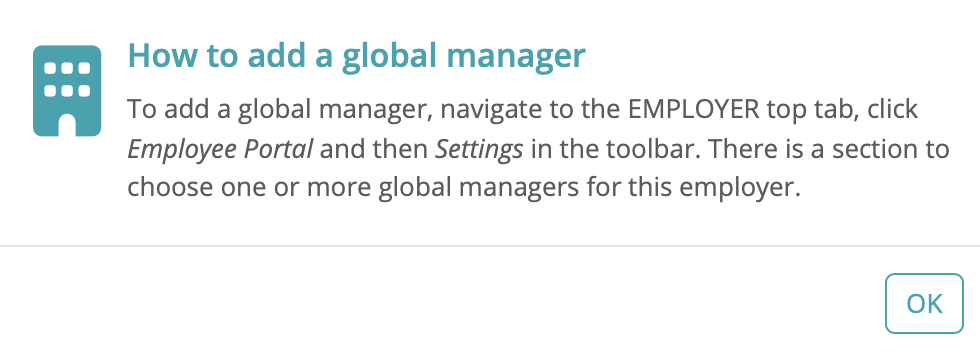
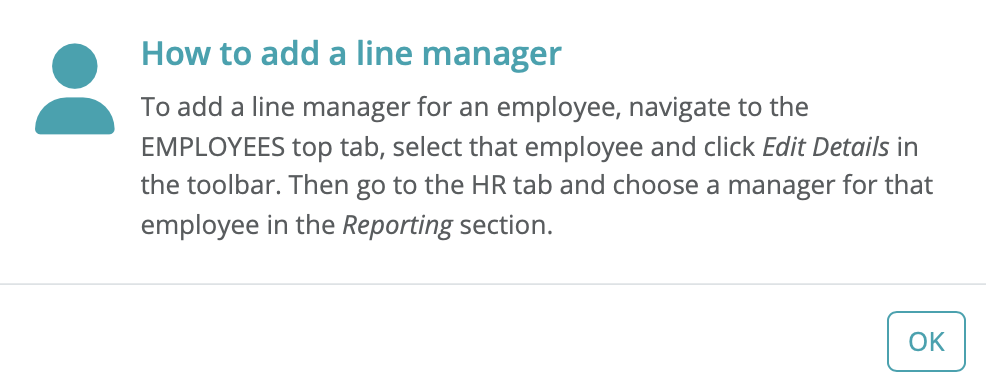
Managers can log in at employee.brightpay.com/manager
Note: Managers can only view / approve leave and cannot access payroll or approve payroll requests. Users would need to be set up as a client user to view payroll for employees.
If you cannot see the option to 'Add department manager', go to the Employer tab > Employee Portal and ensure that the employee portal is enabled.
If a user only needs to receive notifications for holiday (annual leave) requests and approve them, but must not have access to payroll data, they should be added as a manager (global or departmental), not as a team member. Only manager roles allow notification for leave requests without payroll visibility.
FAQs
Q. I have an employee who I also need to set up as a manager. Can they use 2 different email addresses - ie their personal email address as an employee and their work email address as a manager to approve leave for other employees within their department?
A. Yes, one person can have two separate accounts, one as a manager and one as an employee and these accounts can use two different email addresses if preferred.
Please note, If an individual is set up with two separate email addresses for employee and manager functions in BrightPay Cloud, they will have two separate logins (two BrightIDs). They must sign out and in with the appropriate credentials to switch between these roles.
Comments
0 comments
Article is closed for comments.