
The Manager's Portal
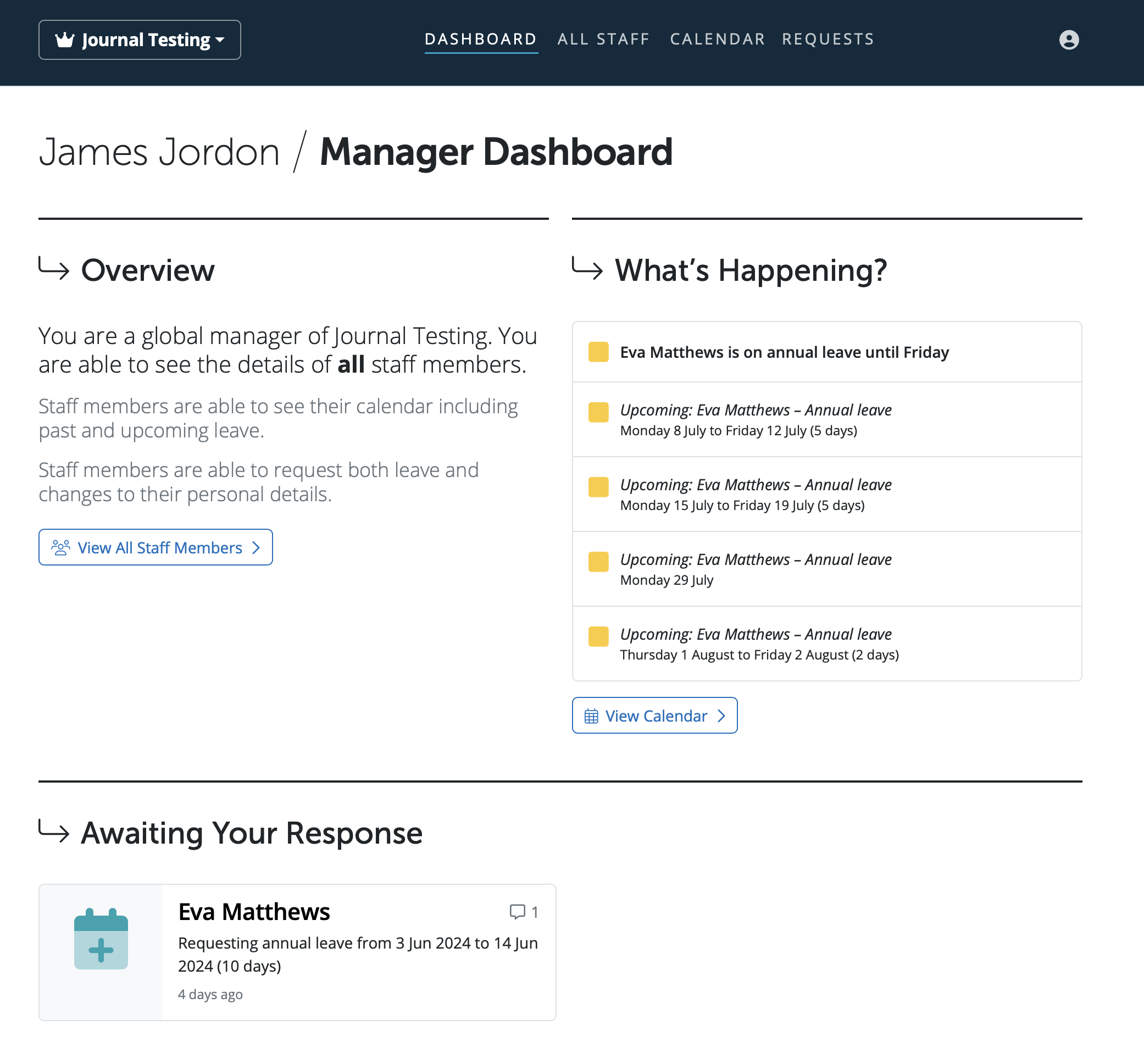
The Manager’s Portal lets you see an overview of the employees assigned to you, including their personal details and upcoming calendar events (like annual leave). You can also view the employer calendar, add new leave types, cancel employee leave, and approve or decline employee requests.
The three different types of managers are assigned in the employer in BrightPay - Global Manager, Department Manager and Line Manager.
Also included on this dashboard is a list of notifications, including any requests that employees have made using Self Service. These requests can be approved/declined here, and the updated data will be reflected in BrightPay, the Employee Self Service Portal and Client Portal.
To cancel leave as a manager, under the Leave Status section > Upcoming Leave - click on the spanner icon on the leave block you wish to cancel > 'Cancel and Remove'. Using the dropdown options, you can cancel the entire period of leave or select which dates of leave to cancel.
To cancel only some leave, select the dates to be cancelled and then click 'Submit'. The days selected will be removed from the employee's calendar and the unticked days will remain set as annual leave.
Comments
0 comments
Article is closed for comments.